Instagram's saves,
finally organized.
SavedFlow turns Instagram's one undifferentiated pile of saved posts into collections, with save dates, search, multi-select and drag and drop. Local, no account, no server.
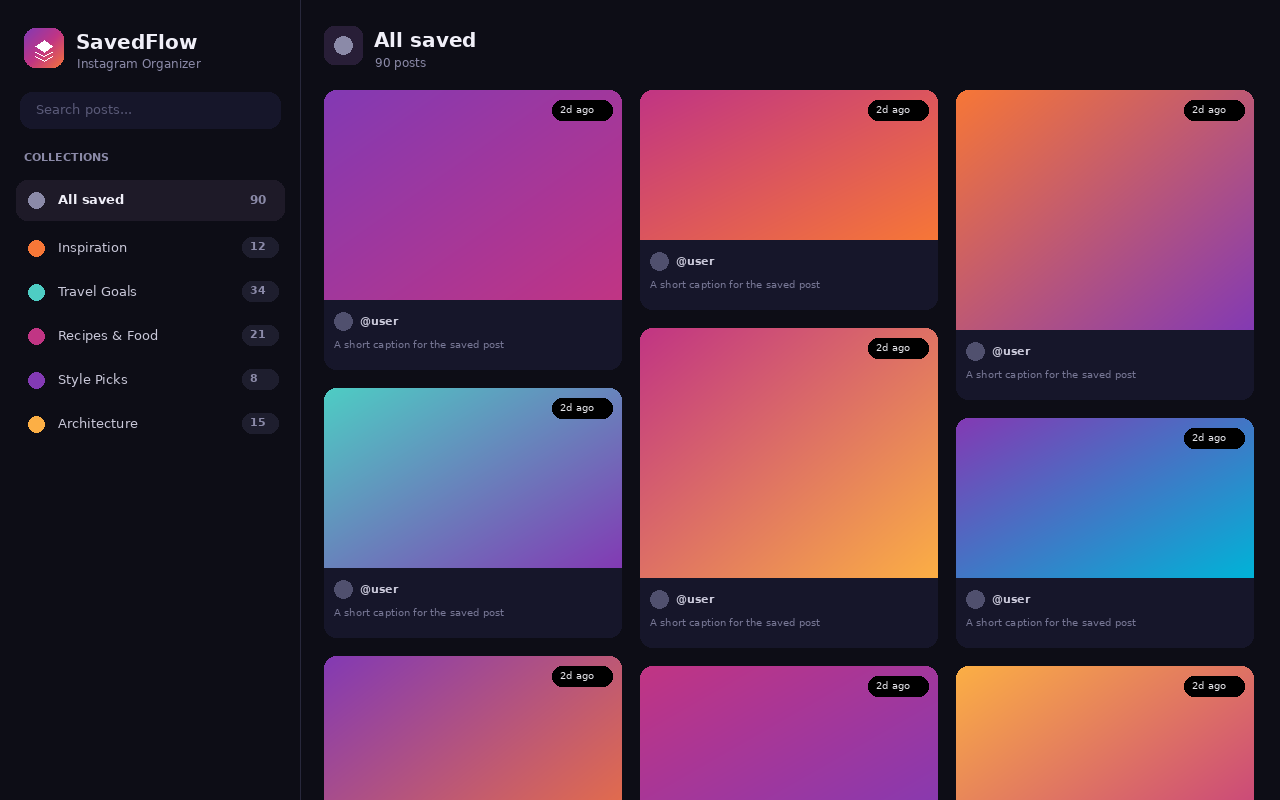
SavedFlow turns Instagram's one undifferentiated pile of saved posts into collections, with save dates, search, multi-select and drag and drop. Local, no account, no server.
Every feature serves one purpose: organizing the posts you already save on Instagram.
Adds a "Save to..." button next to Instagram's bookmark, so you pick a collection the moment you save.
Group posts into collections with their own emoji and color. A post can live in several at once.
Every save is timestamped and shown as "Today", "3d ago", "2w ago". Sort the noise by when you found it.
Open your Saved pages and SavedFlow reads your existing collections and posts, and files them automatically.
Live search, multi-select, bulk move and remove, and drag and drop to file or reorder.
Removing a post can also unsave it on Instagram, after you confirm. Your call, every time.
Load the unpacked extension in Chrome, or grab it from the repo. No build step, no dependencies.
A control sits at the bottom of the page. Open your Saved pages and import what you already have.
Use the "Save to..." button on any post to drop it straight into a collection.
The side panel gives you collections, search, drag and drop, and bulk actions.
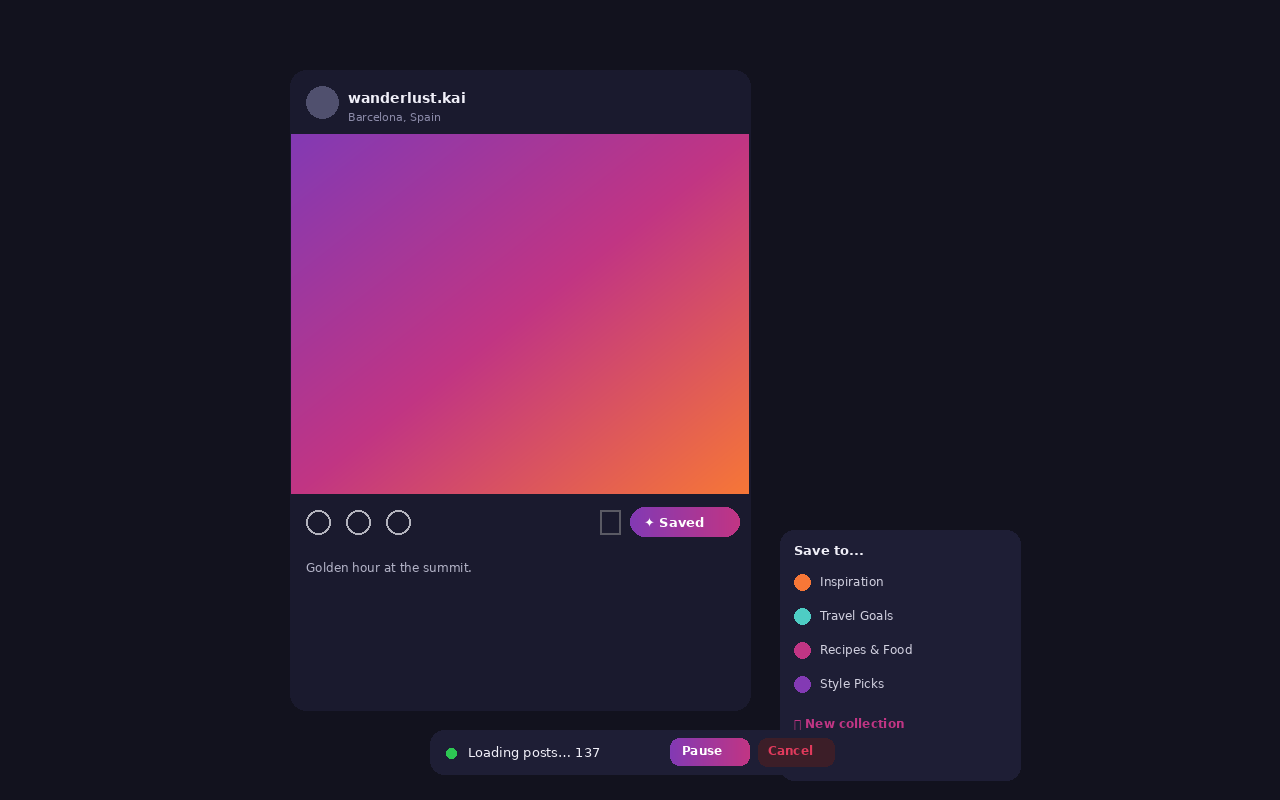
It is a Manifest V3 extension, plain JavaScript, no build step.
git clone https://github.com/jacksonfdam/SavedFlow.git

# Chrome / Edge / Brave
# 1. Open chrome://extensions
# 2. Turn on Developer mode
# 3. Load unpacked, and select the savedflow/ folderA documented flaw beats a polished lie. The full list is in the docs; the short version:
Selectors lean on semantic attributes, not class names. If Instagram restructures a view, the button can stop appearing until the selectors are updated.
The "also remove on Instagram" feature calls an undocumented endpoint. It can break, and it acts irreversibly on your real account.
Data lives in one browser profile. No sync, no backup, no export. Clear your browser data and it is gone.